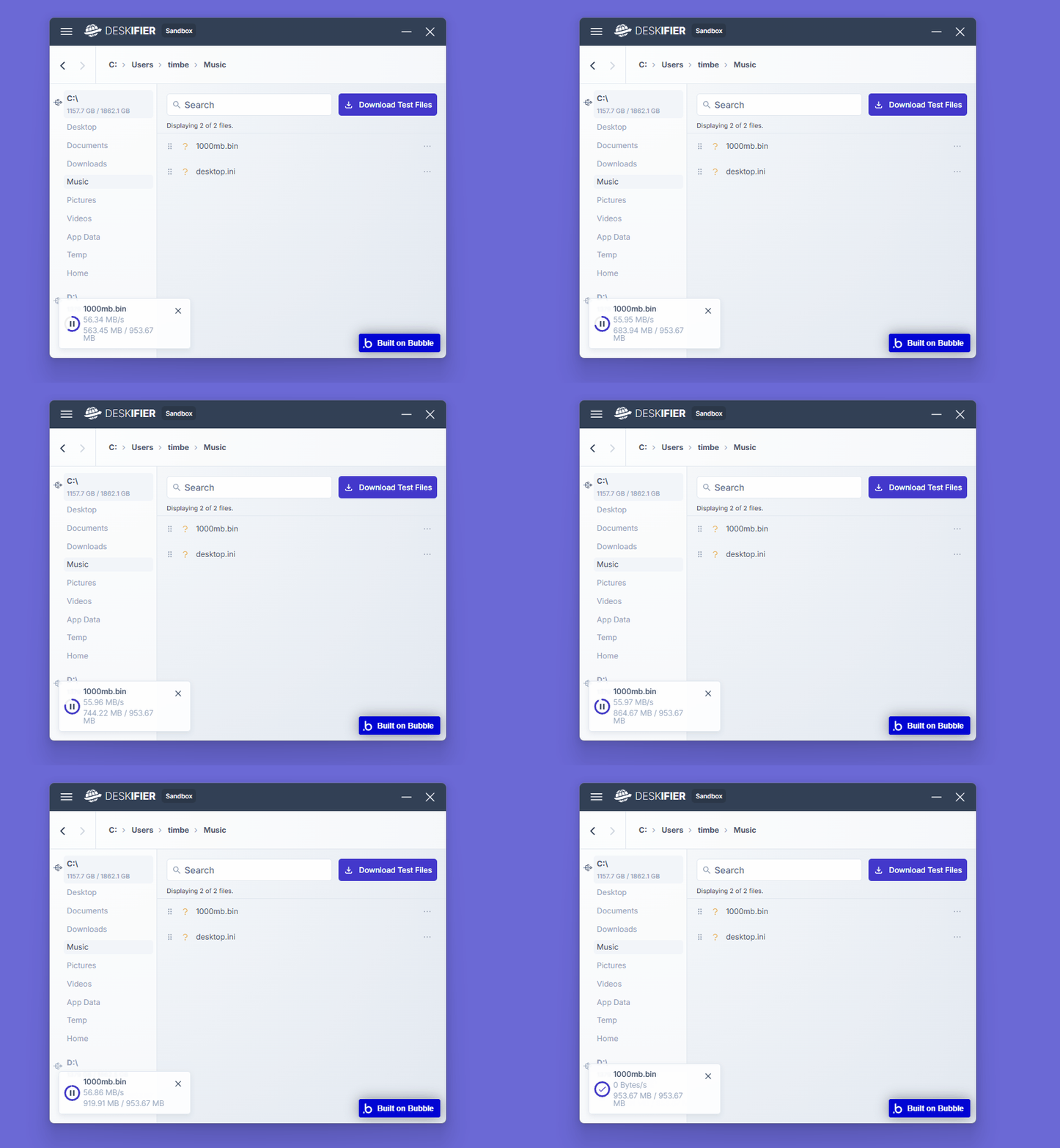
Displaying download progress
To track download progress in your application, downloads must first be started using the File System - Request Download action.
Once a download has started, its progress can be accessed through the Downloading Files state.
This state provides information about downloads that are currently in progress, allowing your application to display progress indicators, update UI elements, or monitor the status of active downloads.
View an example in the editor:
https://bubble.io/page?id=deskifier-plugin-test&tab=Design&name=sandbox&type=page&elements=bTJMW