Building an activity monitor
Your application can monitor user activity by tracking system idle time and detecting which application is currently in focus.
The System - Idle Time state provides the amount of time the system has been inactive, allowing your application to determine whether the user is actively using their device or has stepped away.
In addition, the Applications Element can be used to read information about running applications, including which one is currently focused.
By combining these two sources of information, you can build an activity monitor that detects user presence, tracks active applications, or logs periods of inactivity. This can be useful for productivity tracking, automation workflows, or applications that need to respond when a user becomes idle.
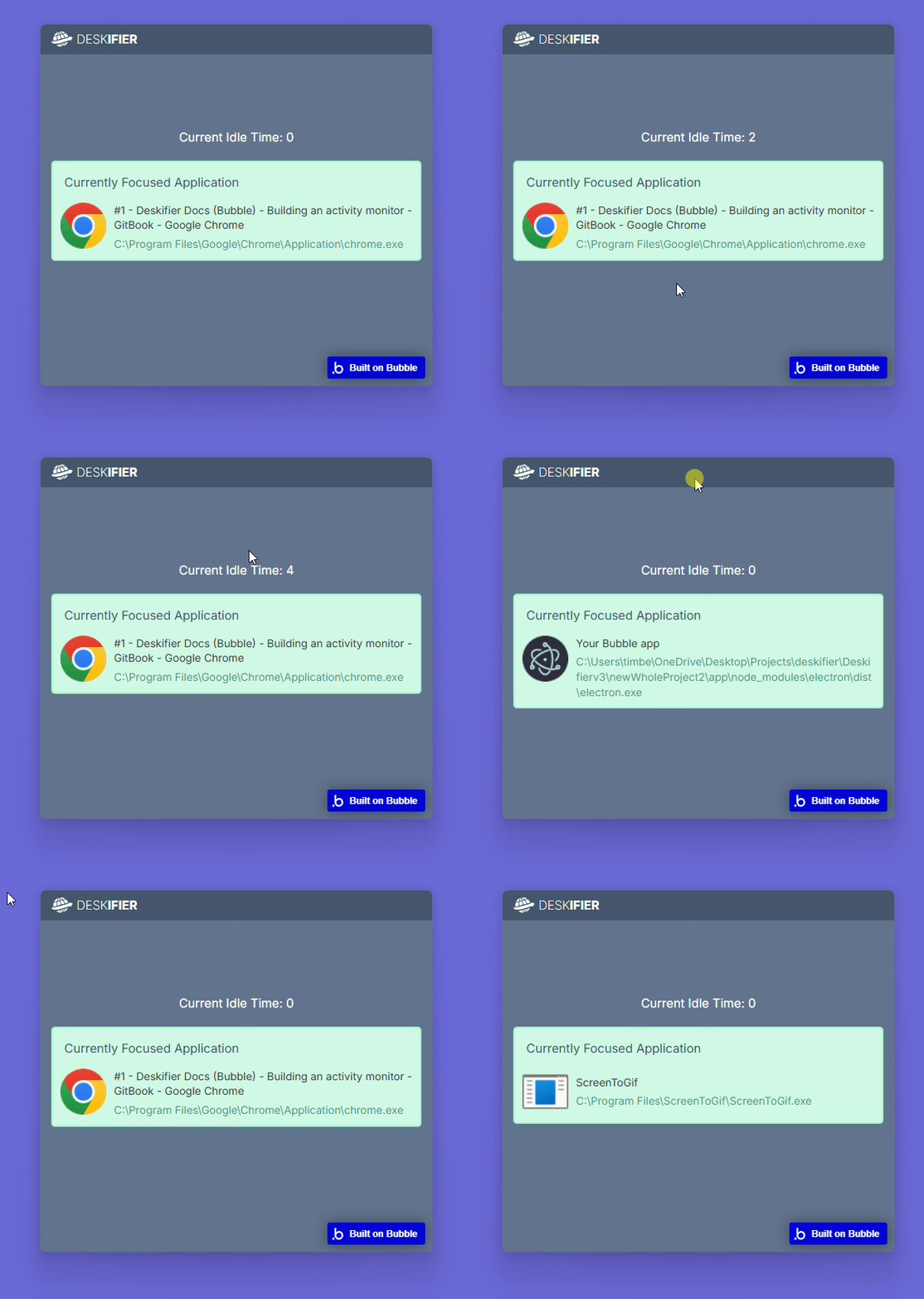
View this example in the editor:
https://bubble.io/page?id=deskifier-plugin-test&tab=Design&name=activity-monitor-example&type=page&elements=bTQpb