How to Turn an HTML Game Into a Desktop App: Every Tool Compared (2026)
GemShell, Wapper, ExeForge, Electron, NW.js, Tauri, Neutralino, engine exports and Deskifier, compared for HTML5 games. Platforms, Mac builds without a Mac, code signing, auto-updates, Steamworks and price.
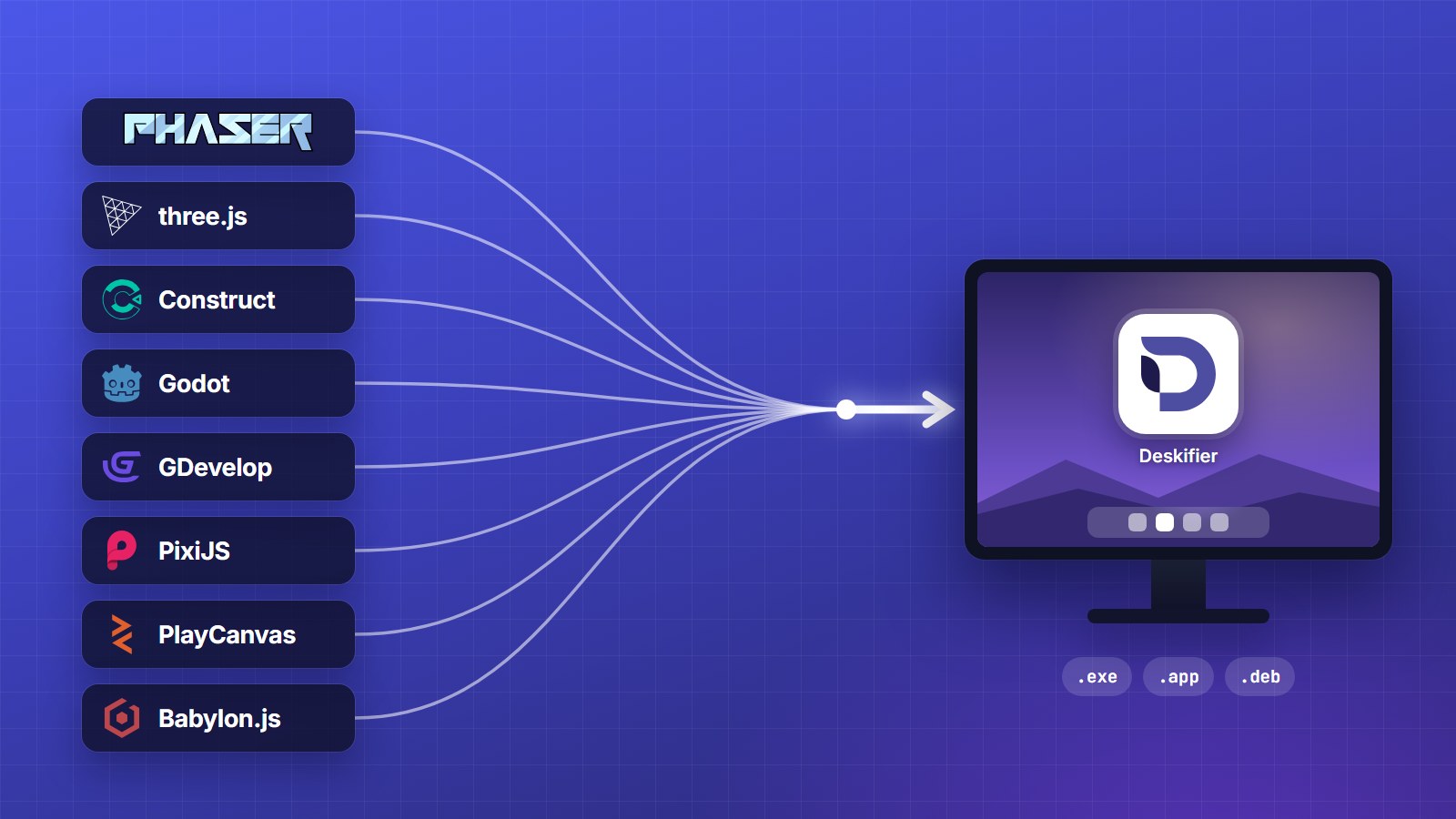
You have an HTML, JavaScript or WebGL game that runs in the browser, and you want it on people's desktops: a Windows .exe, a Mac .app, maybe a Linux build, maybe on Steam or itch.io. There are more ways to do that in 2026 than ever, and they differ in ways that only show up when you try to ship.
This is every option worth considering, what each one is good at, and where each one stops. We make one of them (Deskifier), so we've tried to be straight about where the others are the better pick. Prices and versions were checked on October 29, 2026.
The short answer
- Windows only, cheapest possible, no store plans: Wapper or ExeForge.
- Steam on a budget, happy to handle signing yourself: GemShell.
- You're a developer and want full control: Electron with electron-builder or Forge.
- Signed installers for all three platforms, store uploads and updates handled, no Mac needed: Deskifier.
- Smallest possible download, and your game isn't WebGL-heavy: Tauri or Neutralino.
The one decision that matters most: which browser engine
Every tool puts your index.html inside a browser engine. They split into two camps:
- Bundled Chromium (Electron, NW.js, GemShell, Deskifier): every player runs the exact engine you tested. Downloads are around 100 MB bigger, and behaviour is identical everywhere.
- The system web view (Tauri, Neutralino, Wapper, Construct's newer exports): tiny downloads, but your game runs in Edge WebView2 on Windows, Safari's WebKit on macOS and WebKitGTK on Linux.
On Windows the system web view is Chromium anyway, so the difference is small. On Mac and Linux it's a different engine. Tauri's own docs warn that WebGL on Linux "can silently land on a slow path", with low frame rates and input lag. For a WebGL or WebGPU game, bundled Chromium is the safer bet. We go deeper in Electron vs Tauri vs NW.js for games.
At a glance
Two kinds of tool: out of the box (hand over your game folder, get an app back) and do it yourself (a runtime, with everything around it left to you).
| Win, Mac & Linux | No Mac needed | Signed for you | Auto-updates | Store uploads | Steam & Discord SDK | Settings menu & saves | |
|---|---|---|---|---|---|---|---|
| Out of the box | |||||||
| Deskifier | |||||||
| GemShell | Unsigned? | Steam, itch | Steam | ||||
| Wapper | Windows | ||||||
| ExeForge | Windows | ||||||
| Do it yourself | |||||||
| Electron | Own certs | DIY | Library | DIY | |||
| NW.js | Own certs | DIY | DIY | Library | DIY | ||
| Tauri | Own certs | Plugin | DIY | DIY | |||
| Neutralino | Unsigned | Own certs | DIY | DIY |
Signed for you: no Windows certificate or Apple Developer ID to buy; players open your game without security warnings. Store uploads: one-click pushes to Steam, itch.io and Epic. DIY: the framework can do it, but you build it. Competitors are compared on their public documentation as of October 29, 2026; the full breakdown for each tool is below.
Out of the box
Deskifier
Upload the folder your engine exports (or a .zip, or a URL) and get Windows, macOS and Linux builds from the browser. It's Electron underneath, so every player gets the same bundled Chromium. Nothing to install, and no Mac needed: Mac builds are made on our Macs.
Ship
- Signed for you: macOS builds are signed and notarised, and Windows builds go through Azure Trusted Signing. No certificates to buy, and no security warnings for players.
- Every store: one-click pushes to Steam, itch.io and Epic, plus builds for the Mac App Store, Microsoft Store and Snap Store.
- Updates: copies you sell from your own site update themselves. Store builds leave updates to the store.
Play
- Offline: your game files ship inside the app and load from the player's disk.
- A settings menu you didn't build: window mode, resolution scale, monitor and volume, opened with a hotkey, a controller button or your own pause menu.
- Saves that survive: browser storage is backed up to a visible GameSaves folder, restored after a reinstall, and players can export and import it.
SDK for your game's JavaScript
- Steam: achievements, stats, cloud saves, rich presence and the overlay through
window.deskifier.steam. Test with App ID 480 before Valve approves you. - Discord: Rich Presence through
window.deskifier.discord. - Desktop APIs: tray icons, notifications, menus, file access and more.
- Typed: the TypeScript SDK is
@deskifier/sdkon npm. Off Steam, Steam calls resolve withsuccess: falseinstead of throwing, so one build of your code runs everywhere.
Price: dev builds are free (watermarked). Shipping is a monthly price per place you ship: $10/month for itch.io, $35 for Steam, $25 for signed direct downloads.
Where it's not the best pick: if you want a one-time payment, or you're shipping a Windows-only game to a few friends, a $2 tool will do.
GemShell
A desktop app (Windows, Mac and Linux) that packages an HTML5 game folder and can upload it to Steam and itch.io. It's the closest thing to Deskifier and the strongest of the itch.io tools.
- Runtime: Electron (its docs say Electron 33.3.1, which is about a year behind current Electron). Earlier versions used Neutralino and then a Rust runtime.
- Steamworks: built in and broad: achievements, cloud saves, leaderboards, lobbies and more.
- Outputs: Windows, macOS and Linux, plus iOS and Android in Pro. It says you can build every platform from any machine.
- Signing and updates: not clearly documented. Plan on bringing your own certificates, and on players seeing SmartScreen and Gatekeeper warnings if you don't. No auto-updater that we could find.
- Price: a free Lite version (Steam features only with Valve's test App ID). Pro is a one-time $39.99, frequently on sale on itch.io.
Pick it if you want Steam features and a one-time price, and you're comfortable sorting out code signing yourself.
Wapper (HTML to EXE)
A Windows app that turns a game folder into a Windows .exe using the system's WebView2.
- Windows only, for both the tool and its output.
- Small: under 20 MB of overhead.
- Free version has no watermark; advanced options (packing, splash screen, obfuscation) are paid, $19.99 list and often much less on sale.
- No signing, no auto-updates, no Steam integration.
Pick it for a quick, small Windows build to share or sell on itch.io.
ExeForge
A Windows tool that builds Windows .exe files and installers from HTML or Node.js projects, offline. Paid ($19.99 list, often discounted). Windows only, and no signing, updates or Steam integration documented.
Do it yourself
Electron
The industry standard: Chromium plus Node.js, maintained by the OpenJS Foundation. VS Code, Discord and a large share of HTML games on Steam run on it. Package with electron-builder or Electron Forge.
- Strengths: everything is possible, with built-in auto-updates and every installer format there is.
- Costs: you write and maintain the main-process code, buy certificates, set up notarisation, and need a Mac (or macOS CI) for signed Mac builds. Steamworks comes from community libraries (more on that).
- Size: around 100 MB and up per app.
NW.js
Chromium plus Node.js, like Electron, but your game page itself is the app's entry point, which suits games well. It's actively maintained and tracks each Chromium release. Packaging is through community tools (nw-builder), with no built-in signing or updates. It has long been a common route for HTML5 games on Steam.
Tauri
A Rust core with the system web view. Tiny apps (under 1 MB of runtime), mobile targets, a signed updater plugin. For games the system web view is the catch: Safari's WebKit on Mac and WebKitGTK on Linux, where WebGL performance is unpredictable. There's no Steamworks support short of writing Rust bindings yourself, and you need each OS to build for it.
Neutralinojs
Even lighter than Tauri (about 2 MB) and JavaScript-only, with a built-in updater, and it outputs binaries for all three platforms from any OS. It has the same system web view caveats, no Steamworks, and installers and signing are left to you.
Your engine's own export
Check this first; you might not need anything else.
- Construct 3 exports to Windows (WebView2), macOS (WKWebView) and Linux (Chromium Embedded Framework). It dropped its NW.js exporter in release r450. There's a Steamworks plugin for the newer exports.
- GDevelop has one-click desktop builds (Electron) and an experimental Steamworks extension. Its builds aren't signed with a paid certificate, so players see security warnings.
- Godot, Unity and GameMaker export native desktop builds directly, so wrapping their web exports only makes sense if the web build is your main target.
- Phaser, PixiJS, Three.js, PlayCanvas and plain canvas have no desktop export. You need one of the tools above.
What to check before you choose
- Will players see a security warning? Unsigned Windows installers trigger SmartScreen. Unsigned Mac apps don't open without a trip to System Settings. For anything you sell outside Steam, this matters more than anything else on this list.
- Do you need a Mac? With most tools, a signed Mac build needs a Mac or a macOS CI runner.
- How will updates reach players? Steam and itch.io update for you. Copies sold from your own site need an updater.
- Is your game WebGL-heavy? Then favour bundled Chromium.
- Do you need Steam achievements? Check that the integration covers the overlay and achievement toasts, not just the API calls.
The 10-minute route
If you want to see your game as a desktop app today: create a game app on Deskifier, upload your build folder and make a free dev build for Windows, macOS and Linux. Read the step-by-step guide or see what a desktop build gets your game.