Electron Forge vs electron-builder: Which Should You Use in 2026?
The two ways to package an Electron app, compared honestly - what each actually does, where they differ, and the question most comparisons skip.
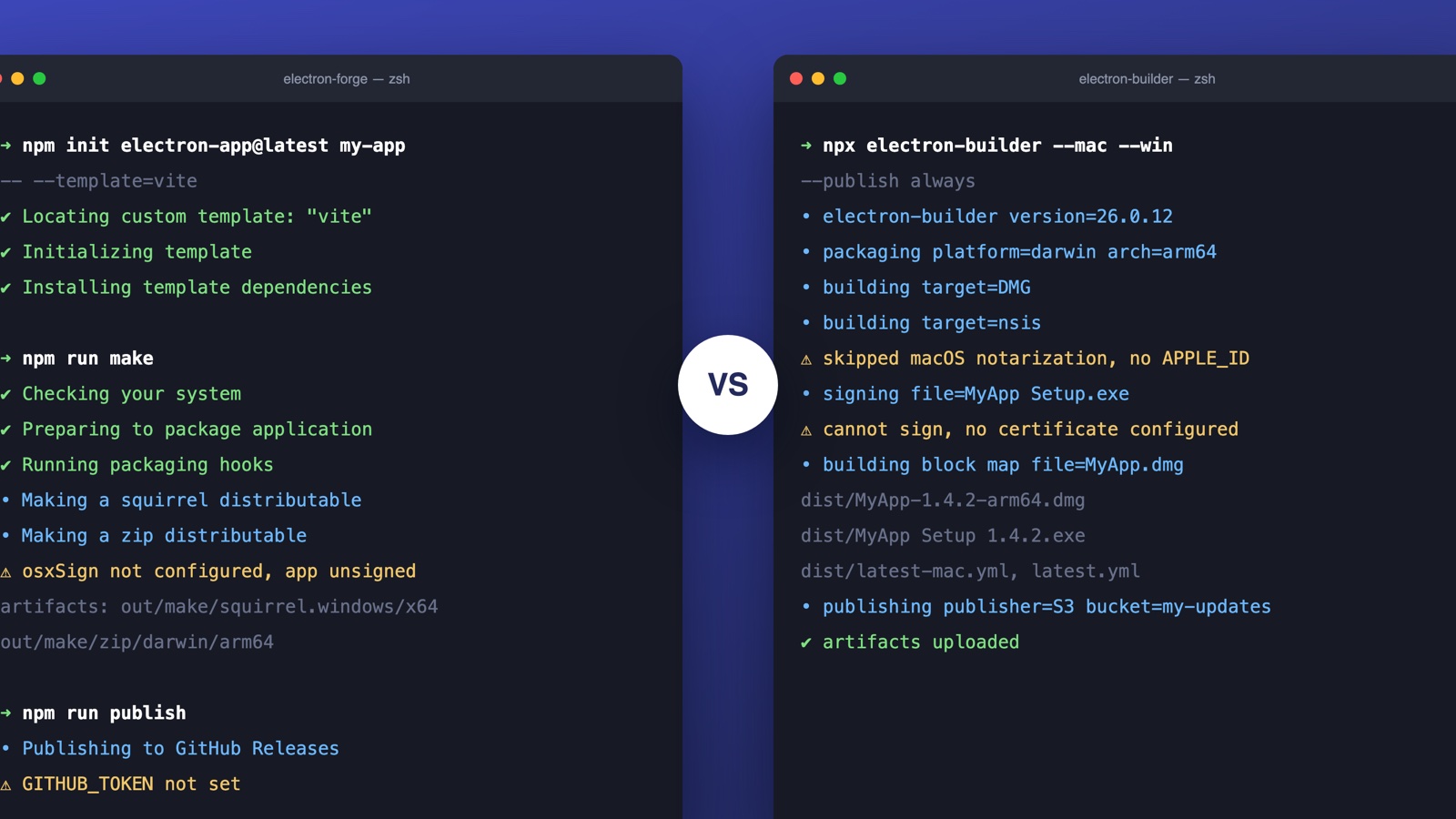
Every Electron app eventually hits the same fork: how do you turn your code into installers people can actually run? The ecosystem gives you two mature answers, Electron Forge and electron-builder, and the comparison threads are old, contradictory, and mostly written before both tools grew up.
Here's the current, honest state of it.
What each one actually is
Electron Forge is the official, all-in-one toolchain: scaffolding (npm init electron-app), a dev server, packaging via "makers" (one per installer format), and publishing via "publishers". It's maintained under the Electron organization, and the templates integrate cleanly with webpack and Vite. Forge wants to own your whole workflow, from create to release.
electron-builder is a packager and publisher, not a scaffold. You bring your own build setup; it takes the output and produces installers, with the broadest format support in the ecosystem (NSIS, MSI, DMG, PKG, MAS, AppX, deb, rpm, Snap, AppImage, and more), plus deep code-signing hooks and first-class auto-update metadata for its sibling, electron-updater.
The philosophical difference: Forge is a framework, electron-builder is a tool. Forge gives you a paved road; electron-builder gives you a bigger engine and lets you build the road.
The comparison that matters
| Electron Forge | electron-builder | Deskifier | |
|---|---|---|---|
| What it is | Official toolchain | Packager + publisher | Managed pipeline |
| Scaffolding & dev workflow | Not needed | ||
| Installer format breadth | Good | Widest | The ones that matter, prebuilt |
| Signing certificates | Bring your own | Bring your own | Included |
| Auto-update story | Squirrel-based | electron-updater (S3, GitHub, generic) | Hosted feed, versioning managed |
| Config style | JS plugins/makers | One big declarative config | Visual editor or CLI |
| Custom native modules | |||
| Store packaging (MAS/AppX) | Supported | Supported, more knobs | Included |
Honest guidance follows from that table:
- Starting a new desktop app from scratch? Forge. The official templates, the integrated dev loop, and the Electron team's maintenance make it the default for greenfield projects.
- Need a specific installer format, unusual signing setup, or S3-hosted auto-updates? electron-builder. Its format coverage and update tooling are still unmatched, which is why so many production apps (and platforms like Deskifier) run on it.
- Already have a web app? Deskifier. If the desktop app you want is your existing product plus native powers, there's nothing to scaffold and no pipeline worth owning: point it at your URL, configure windows and behaviors, and download signed, auto-updating installers.
- Migrating between them? Possible in either direction, painful in both. The packaging config is the easy part; the update channel is the trap, because installed fleets only move forward on the updater they shipped with.
The question both tools skip
Whichever you pick, notice what you now own: certificates and code signing on two platforms, notarization waits, per-OS CI runners, an update feed that must never regress, and store submission machinery. Forge and electron-builder are excellent at executing that pipeline. Neither removes the pipeline.
That's the third option most comparisons skip: if your desktop app is fundamentally your web app plus native powers, you can skip owning the toolchain entirely. Deskifier runs a managed electron-builder pipeline, certificates, notarization, update feeds, and store packaging included, so you configure windows and behaviors and download signed installers. The full comparison against Electron Forge covers when owning the stack is still the right call.
The short answer
New app, official road: Forge. Maximum format and update control: electron-builder. Web app that needs to become a desktop app without a pipeline team: neither, use a managed service and spend the saved weeks on your product.