Electron Notifications on Windows: AppUserModelID and Other Traps
Why your Electron notifications work in development and vanish in production on Windows, what AppUserModelID actually is, and how real apps do push notifications.
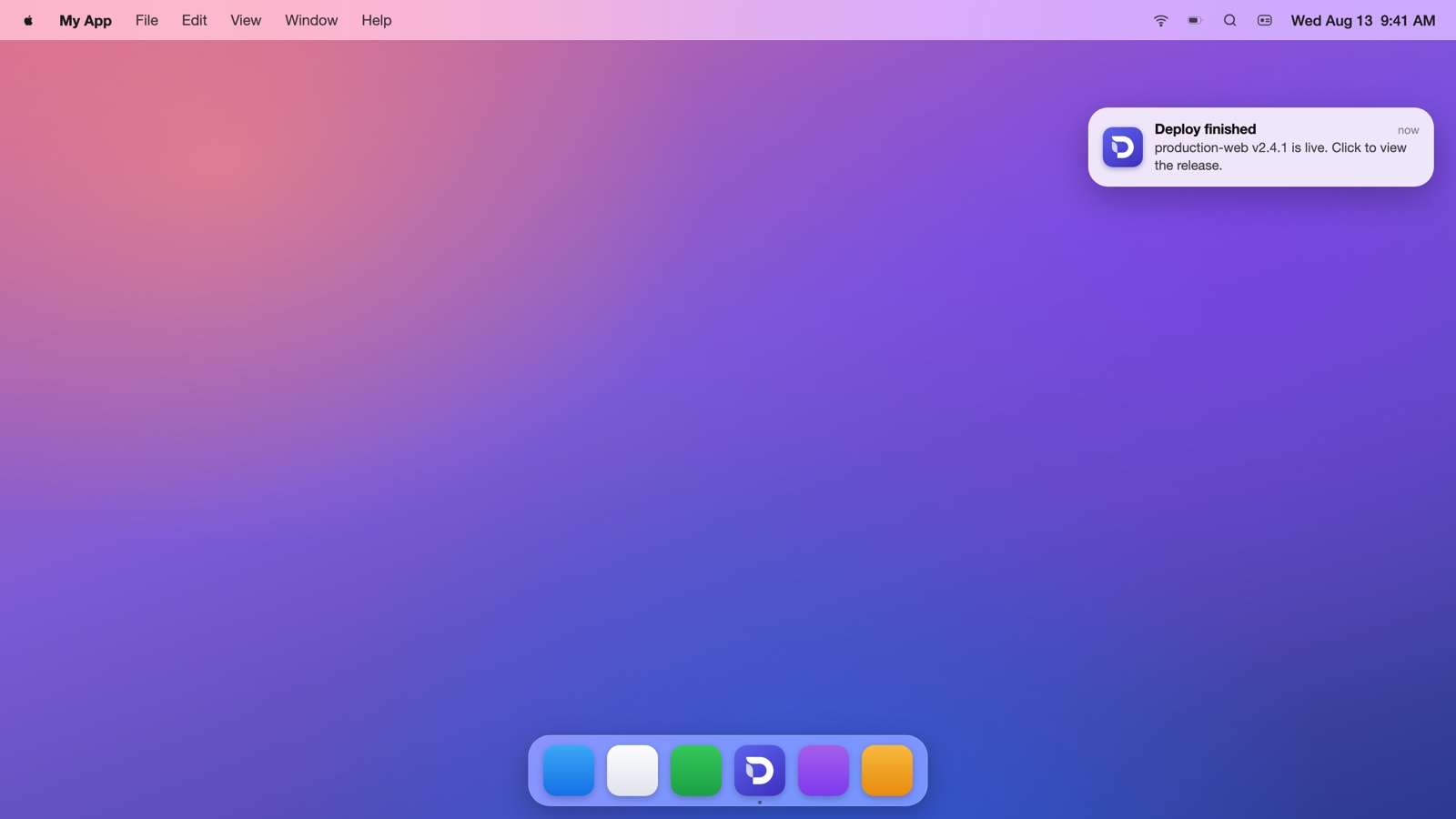
Notifications are the feature with the widest gap between the demo and production. In development everything fires; then you package the app, ship it to a Windows machine, and nothing appears. The cause is almost always one Windows concept Electron's docs mention in passing: the AppUserModelID.
The five-minute version that works everywhere else
Both process types can send notifications. From the main process:
const { Notification } = require('electron');

new Notification({
  title: 'Deploy finished',
  body: 'production-web v2.4.1 is live.',
}).show();
And from your web content, the standard web API works unmodified:
new Notification('Deploy finished', { body: 'production-web v2.4.1 is live.' });
On macOS this just works (after the user grants permission, which macOS asks for on first use). On Windows, it works in development and then silently stops in the packaged build. Here's why.
AppUserModelID: the Windows trap
Windows only shows toast notifications for applications it can attribute: something with an identity registered via a Start Menu shortcut. That identity is the AppUserModelID (AUMID). In development, Electron borrows its own ("electron.app.Electron"), which happens to be registered by the Electron install. Your packaged app has a different identity, and if Windows can't match your process to a Start Menu entry with that AUMID, it drops your notifications on the floor. No error, no event: nothing.
The fix has two halves that must agree:
// 1. Tell Windows who you are, before any notification is created.
app.setAppUserModelId('com.yourcompany.yourapp');
// 2. Make sure your installer registers the same id.
// electron-builder: the appId IS the AUMID.
{
  "build": {
    "appId": "com.yourcompany.yourapp"
  }
}
The appId in your build config and the string you pass to setAppUserModelId must be identical, and the app must be installed through the installer (which creates the Start Menu shortcut carrying the id). Three consequences developers hit constantly:
- A zipped .exe that was never installed can't toast. No shortcut, no identity, no notifications. Test with the actual installer.
- Changing appId between versions orphans the old shortcut and breaks notifications until reinstall.
- In dev, set the id anyway so behavior matches production as closely as possible.
Beyond "fire and forget"
Clicks are the point of notifications, and they need explicit handling:
const notification = new Notification({ title, body });

notification.on('click', () => {
  mainWindow.show();
  mainWindow.focus();
  mainWindow.webContents.send('notification-clicked', { threadId });
});

notification.show();
Feature support diverges per platform from here. Reply fields and action buttons (hasReply, actions) are macOS-only in Electron's API. On Windows, buttons require hand-writing toast XML with toastXml, and inline reply is effectively out of reach for most apps. Design your notification UX around click-to-open as the baseline, with platform extras as enhancement.
"How do I do push notifications?"
The searches say it constantly: electron push notifications. The honest answer is that the mobile push model (FCM, APNs) does not transfer to the desktop. There is no OS-level push broker your Electron app can register with. What real apps do instead:
- A persistent connection. The app keeps a WebSocket or SSE connection to your backend; when an event arrives, it fires a local notification. Because a desktop app actually runs in the background (especially living in the tray), this is reliable in a way a browser tab never was.
- Polling on an interval, for lower-stakes freshness.
The pattern is simple: connection in the main process or your web app, new Notification(...) on message. The "push" is your own socket.
The zero-code way: Deskifier apps expose notifications to your web app with the standard web API, wired through the native path with the AppUserModelID plumbing already correct, plus click handling and a built-in WebSocket server for real-time events. Notifications docs, or see what else your web app gains as a desktop app.
A production checklist
app.setAppUserModelId()called before anything else, matching your installer'sappIdexactly- Tested via the real installer on a clean Windows machine, not the dev build
- Click handler that shows and focuses the window
- macOS permission state handled (
Notification.isSupported(), and expect the user prompt on first send) - Windows Focus Assist respected: your notifications will be suppressed during it, which is correct behavior, not a bug to fight
Notifications are the feature your users experience most often after the window itself. They deserve the same care as the UI, and on Windows, they demand one very specific line of configuration.