Electron Tray Icons: Sizes, Templates, and Why Yours Isn't Showing
The garbage-collection bug behind most vanishing tray icons, the exact icon sizes each OS wants, macOS template images, and a working minimize-to-tray pattern.
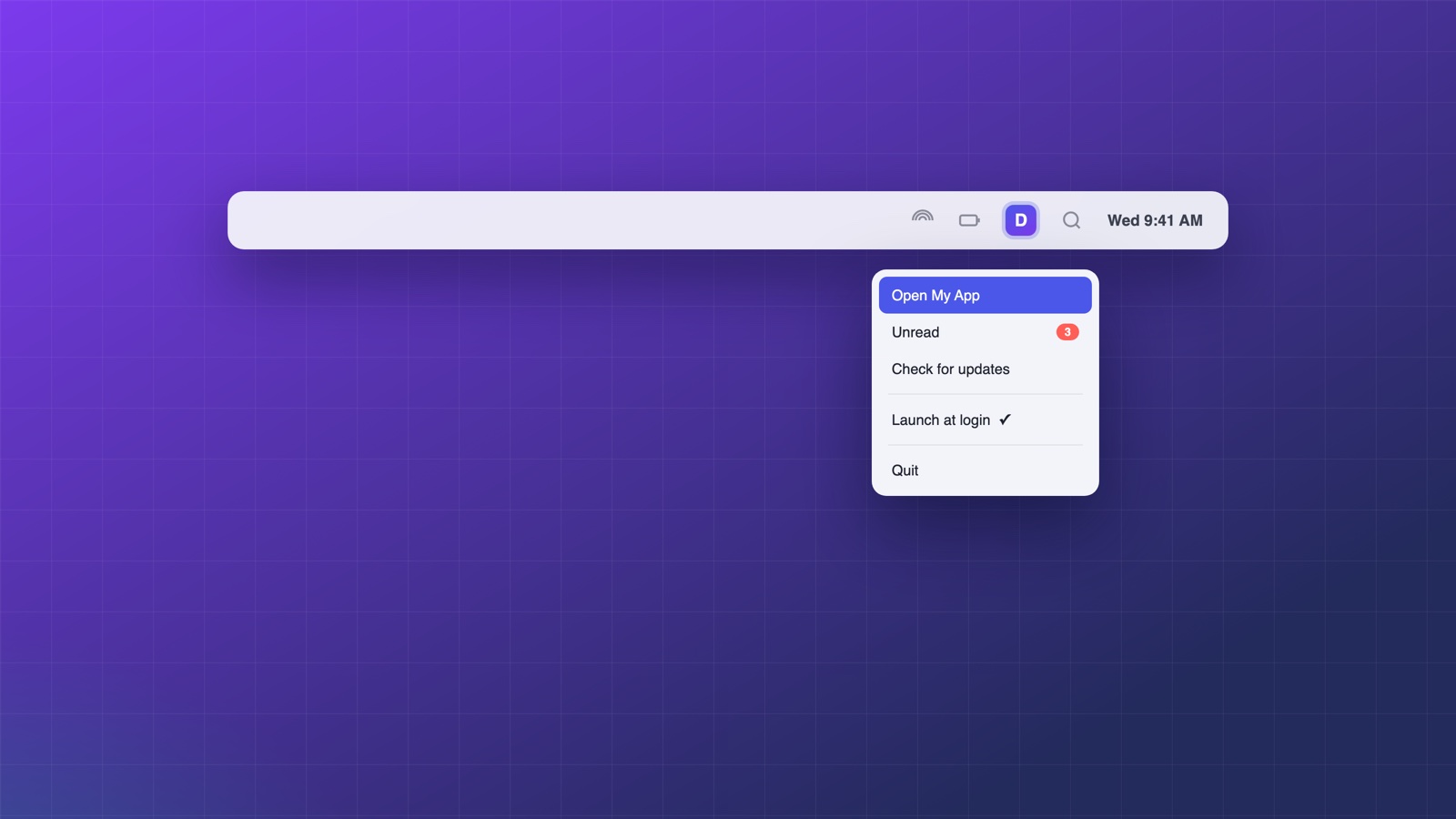
A tray icon is the highest-retention feature a desktop app has: your product stays one click away and keeps working after the window closes. It is also the Electron API with the most "why is this not working" threads, and almost all of them trace back to the same three causes. Here they all are, with fixes.
Why your tray icon isn't showing
Cause one, and it's the big one: your Tray got garbage collected. This code looks correct and fails silently:
app.whenReady().then(() => {
  const tray = new Tray('icon.png'); // local variable!
  tray.setToolTip('My App');
});
// A few seconds later the icon vanishes: `tray` went out of scope
// and the garbage collector destroyed the native handle.
The fix is one line of scope. Keep the reference alive for the app's lifetime:
let tray = null; // module scope

app.whenReady().then(() => {
  tray = new Tray(path.join(__dirname, 'iconTemplate.png'));
});
If your icon appears and then disappears seconds later, this is your bug. It accounts for most of the "tray icon not showing" search results.
Cause two: the path is wrong in the packaged app. 'icon.png' resolves against the current working directory, which is not your app folder once packaged. Always build paths from __dirname or app.getAppPath(), and confirm the file is actually included by your bundler.
Cause three: Windows hid it. Windows collapses new tray icons into the overflow chevron by default. Your icon exists; the user cannot see it. There is no API to force promotion; setting a tooltip and prompting users once to drag it out is the honest workaround.
The sizes each platform actually wants
| Platform | Size | Format |
|---|---|---|
| macOS | 16×16 pt (ship 32×32 @2x) | PNG template |
| Windows | 16×16 | ICO preferred |
| Linux | 22×22 | PNG |
macOS deserves its own paragraph. Menu bar icons should be template images: pure black shapes with alpha, in a file whose name ends in Template (for example iconTemplate.png, plus iconTemplate@2x.png). macOS then recolors the icon automatically for light mode, dark mode, and the pressed state. Ship a colored PNG instead and it will look wrong in at least one of those three contexts, usually dark mode.
const icon = nativeImage.createFromPath(
  path.join(__dirname, 'assets', 'iconTemplate.png'),
);
icon.setTemplateImage(true); // redundant with the Template name, but explicit
tray = new Tray(icon);
Minimize to tray, the pattern users expect
Closing the window should hide the app, not quit it; clicking the tray icon should bring it back. The subtlety is distinguishing "user closed the window" from "app is actually quitting":
let isQuitting = false;

app.on('before-quit', () => { isQuitting = true; });

mainWindow.on('close', (event) => {
  if (!isQuitting) {
    event.preventDefault();
    mainWindow.hide(); // window is gone, app lives in the tray
  }
});

tray.on('click', () => {
  mainWindow.show();
  mainWindow.focus();
});

tray.setContextMenu(Menu.buildFromTemplate([
  { label: 'Open', click: () => mainWindow.show() },
  { type: 'separator' },
  { label: 'Quit', click: () => app.quit() },
]));
Two platform notes: on macOS, tray.on('click') conflicts with a context menu; if you set one, the click opens the menu and your handler never fires, so choose one behavior per platform. On Windows, single-click convention is restore and right-click is menu, which the code above gives you for free.
The zero-code way: in Deskifier, tray presence is a toggle and the menu is built in a visual editor: icon upload with per-platform sizing and macOS template handling, minimize-to-tray, launch at login and single-instance behavior included. Your web app can also drive it at runtime through the tray SDK. See how it works.
Runtime updates: badges, titles, and dynamic icons
The tray is a live surface, not a static icon. Common patterns:
// macOS: text next to the icon (great for counters or status)
tray.setTitle('3');

// Swap the icon to reflect state
tray.setImage(unreadCount > 0 ? iconUnread : iconIdle);

// Rebuild the menu when state changes; menus are immutable once set
tray.setContextMenu(buildMenu(state));
Menus do not update in place: you rebuild and reset them. Cache the template and regenerate on state change rather than trying to mutate menu items.
The tray API is small; the pitfalls are all in lifecycle and assets. Keep the reference global, ship template images at the right sizes, and split close-versus-quit correctly, and it simply works, on every platform, for years.