Tutorial: deep-link sign-in
Your desktop app registers a custom URL protocol (like myapp://). Any link using it, in a browser, an email, another app, launches your app and hands it the URL. The flagship use is the login handoff: authenticate in the browser, land signed-in in the app. It's how Slack, Figma, and Notion do it.
1. Your protocol
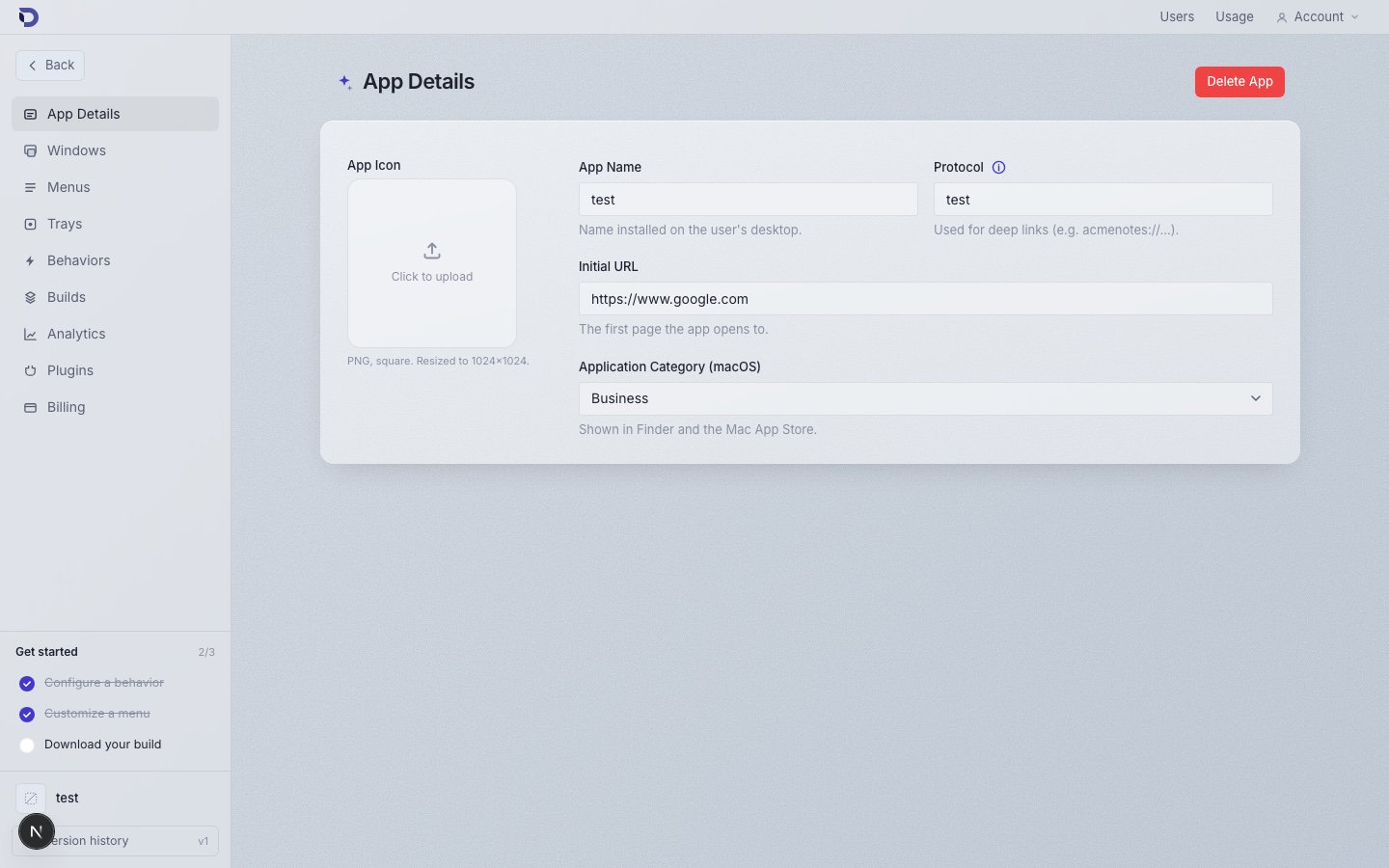
The protocol comes from your app's configuration; you chose it (or accepted a default) when creating the app, and it's visible on the App Details page. Every build registers it with the OS at install time; nothing to code.
2. Listen for links in the app
const unsubscribe = window.deskifier.deeplink.onUsed(({ url }) => {
  const parsed = new URL(url); // e.g. "myapp://login?token=abc123"
  if (parsed.host === 'login') {
    const token = parsed.searchParams.get('token');
    completeSignIn(token); // exchange the one-time token for a session
  }
});
If the app was cold-started by the link, the same event fires once your page has loaded, so this one listener covers both the running and not-running cases.
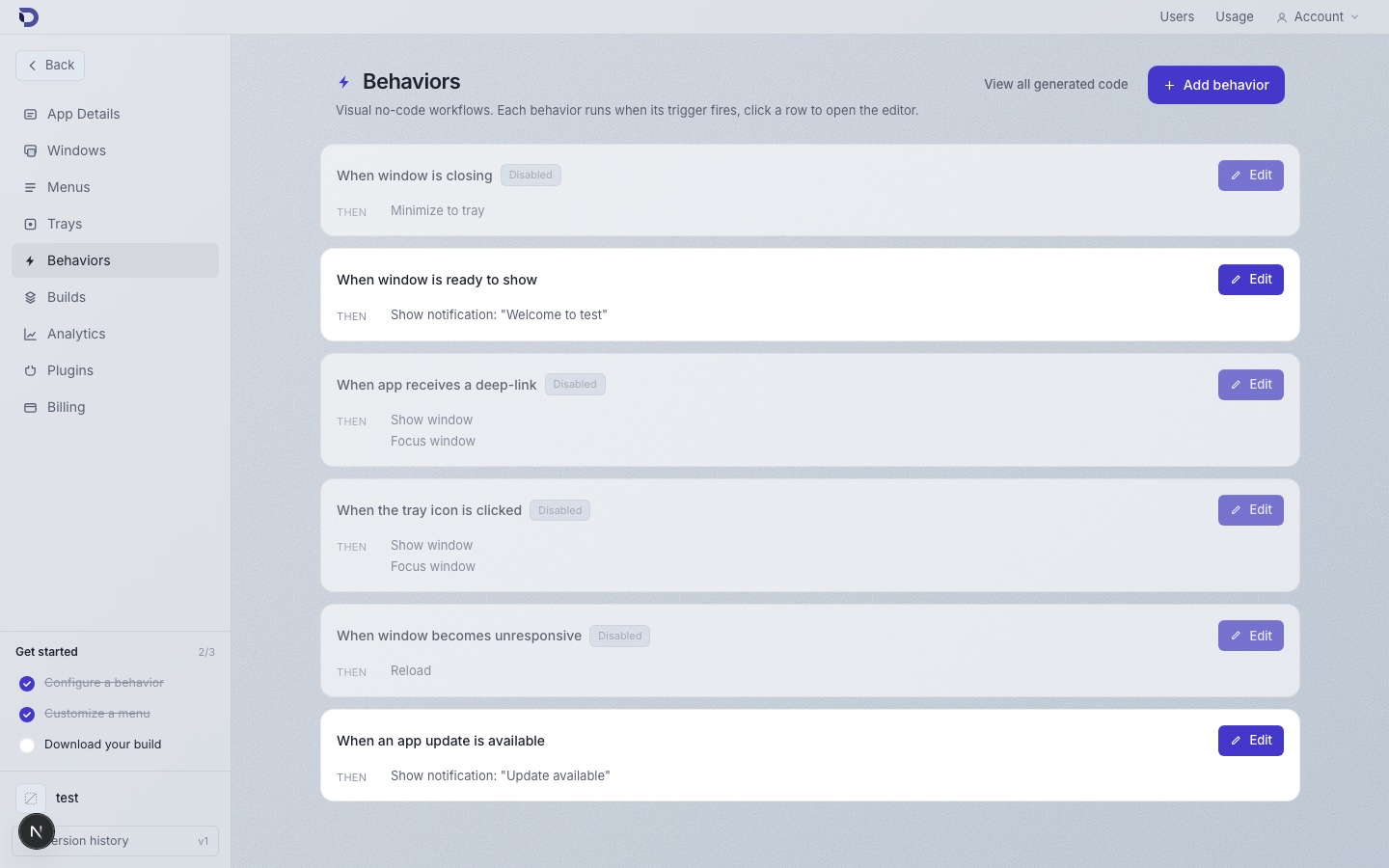
Pair it with a dashboard behavior so the window comes forward when a link arrives: When app receives a deep-link → Show window, Focus window.
3. The browser side of the handoff
On your website, after the user authenticates, mint a short-lived, one-time token and redirect to your protocol:
// On your web app's "open in desktop app" page:
const token = await api.createDesktopHandoffToken(); // expires in ~60s, single use
window.location.href = `myapp://login?token=${token}`;
The browser asks the user to confirm opening your app (standard OS behavior), the app receives the URL, and completeSignIn exchanges the token server-side for a real session.
Never put a long-lived session token in the link itself: protocol URLs can end up in browser history and logs. The one-time exchange keeps the link worthless seconds after it's used.
4. Beyond login
The same channel works for any "open this in the app" moment:
// myapp://document/8fd2 → open that document
if (parsed.host === 'document') {
  routeTo(`/documents/${parsed.pathname.slice(1)}`);
}
Send these links in notification emails and see users land inside the app instead of another browser tab.
Where to go next
- Deep links reference for the full event surface.
- Connecting a running browser session to the desktop app in real time: WebSocket server.