Can a Website Be a Desktop App?
Yes - any website can become an installable desktop app. Here are the four ways to do it, what each one gets you, and what "desktop app" should actually mean.
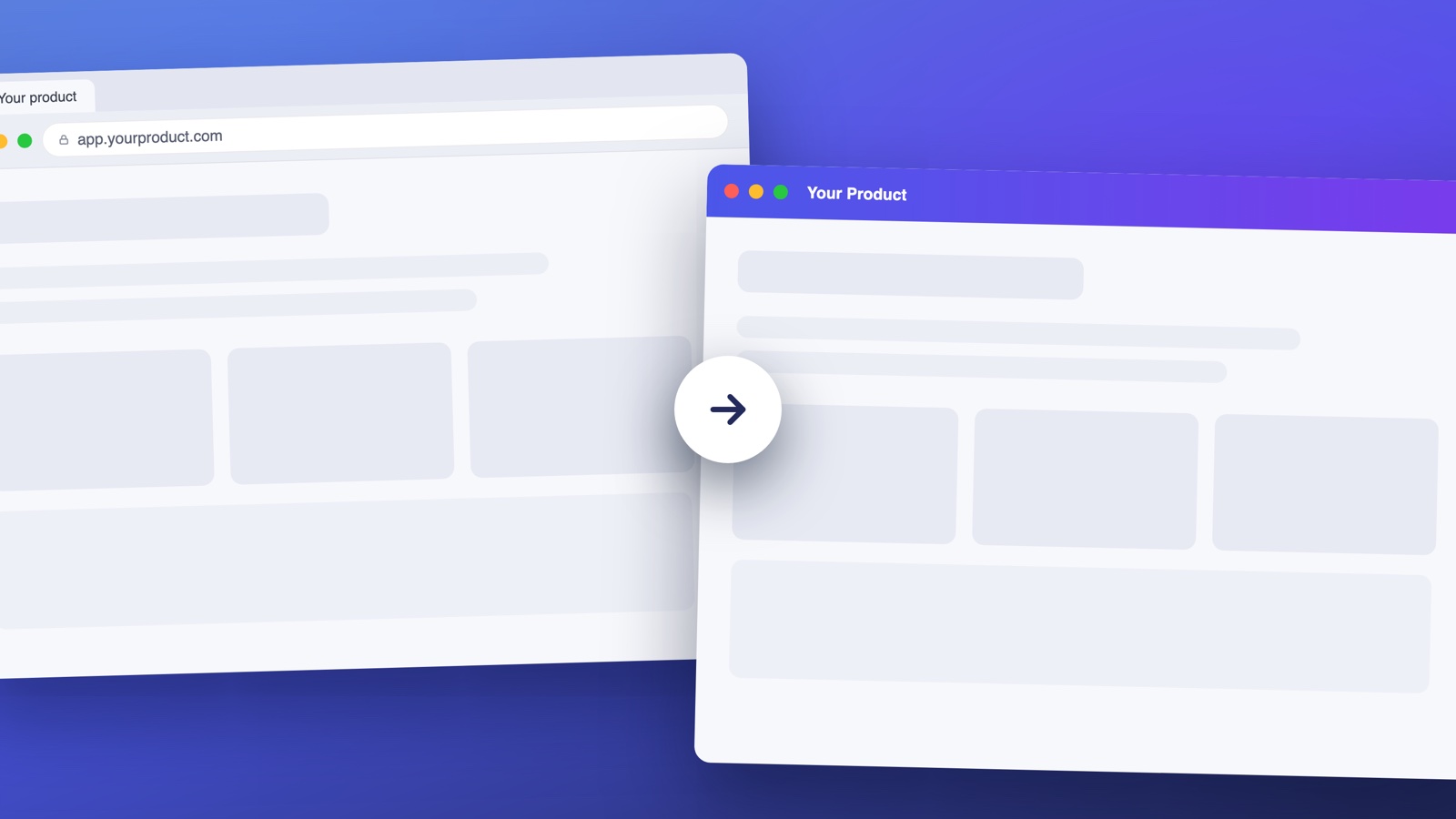
Yes. Any website can become a desktop app, and you don't need to rewrite anything. The real question is what you want "desktop app" to mean, because the four ways to do it deliver very different things.
The four ways, fastest to most complete
1. Browser "install" (2 minutes, personal use). Chrome's Create shortcut or Safari's Add to Dock puts your site in the dock with its own window. It's tied to that one machine, has no native features, and can't be distributed. Fine for personal use; not a product.
2. A PWA (if the site supports it). With a manifest and service worker, users can install your site from the address bar. Still browser-sandboxed: no system tray, no launch at login, no app store listing, and an install button most users never find.
3. A wrapper you build (weeks, full control). Electron or Tauri wrap your site in a real application. You gain the full native surface - and you take on code signing, notarization, installers, auto-updates and a permanent maintenance cadence. Realistic for teams with engineers to spare; see our honest take on building it yourself.
4. A wrapper platform (under an hour, distributable). Services like Deskifier take your URL and produce signed Mac, Windows and Linux installers with auto-updates, tray presence, native notifications and app store packaging - no code required. This is the "it's a real product now" option without the engineering project.
What makes it a real desktop app
Whichever route you pick, users judge desktop apps by a short list: it installs without security warnings (code signing), it keeps itself updated, it's there in the tray or menu bar, it can launch at login, and its notifications arrive even when the window is closed. Options 1 and 2 can't deliver that list; options 3 and 4 can.
The short answer, again
Any website can be a desktop app today. If it's just for you, use your browser's install feature and enjoy. If it's for your users, ship a signed, self-updating app - here's the full comparison of all five approaches, or start with your URL and have an installer today.