Browser Limitations: 12 Things Web Apps Can't Do (But Desktop Apps Can)
Browsers sandbox web apps for safety, but that comes at a cost. Here are 12 things your web app can't do until you ship it as a desktop app.
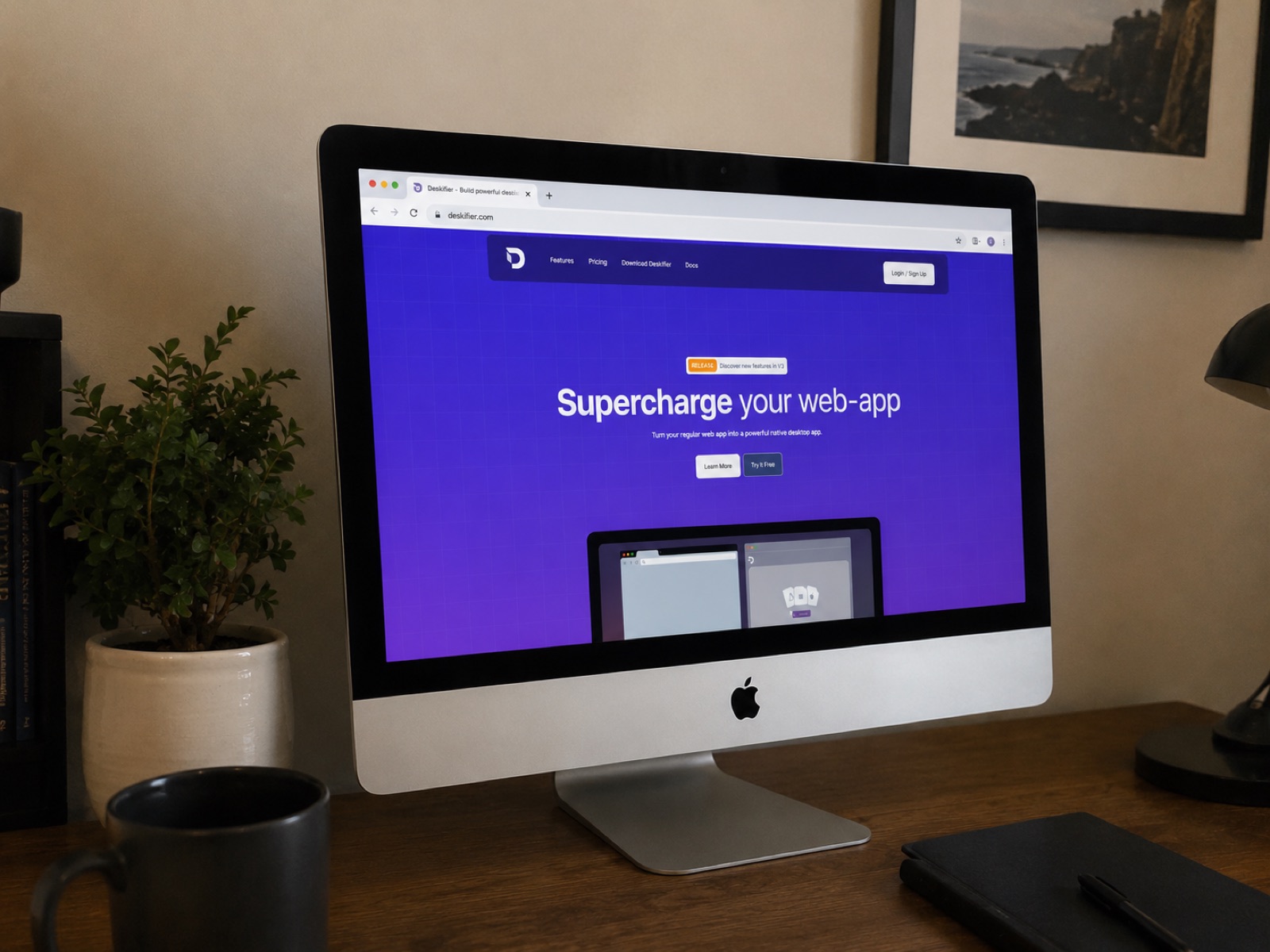
Modern web apps can do almost anything. Real-time collaboration, video calls, 3D rendering, AI inference in the browser. It's wild how far we've come.
Almost.
There's still a hard ceiling on what a web app can do, and bandwidth or your choice of framework has nothing to do with it. The reason is simpler: browsers are deliberately built to limit your app. Chrome, Safari, Firefox. They all sandbox your code to protect users from malicious websites. That sandbox is great for security and terrible for any team trying to build a product that feels like it actually lives on the user's computer.
The good news is you don't have to rewrite anything in Swift or C++. You just wrap your existing web app as a native desktop app, which, with Deskifier, takes minutes.
Here are 12 things your web app fundamentally cannot do inside a browser, ranked roughly from "annoying" to "deal-breaking."
1. Run in the background after the user closes the tab
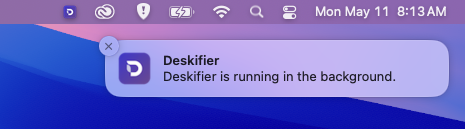
The moment a user closes your tab, your app is gone. No background sync, no listeners, no "still running in the system tray." If your product depends on being available the moment a user needs it, like a chat app, a time tracker, or a monitoring tool, the browser is working against you.
Desktop apps live in the system tray. They keep running, keep listening, and keep your product one click away instead of one tab-search away.
2. Launch automatically when the user starts their computer
This is the single biggest retention lever most web apps don't have access to. If your app opens when the user boots up their machine, you're part of their morning routine. If they have to remember to visit your URL, you're competing with every other tab they could open.
Slack, Discord, and Notion all default to launching at startup. There's a reason.
3. Show real native notifications (not the browser kind)
You've seen browser notifications. They're fine. They're also tied to whether the browser is running, often blocked by default, and styled like browser notifications.
Native desktop notifications are different. They show up even when your app is minimized, they look like every other notification on the user's OS, and, critically, they can support inline replies. Imagine a user typing a response directly from a notification banner without ever opening your app. That's a desktop-only feature.
4. Read, write, and manage files on the user's computer
The browser's File API is intentionally crippled. You can prompt the user to upload a file. You can let them download one. That's basically it.
You can't:
- Watch a folder for changes
- Save a file silently to a known location
- Update a file the user has already opened
- Sync a directory in the background
A desktop app gets full create/read/update/delete access to the file system, plus drag-and-drop support that lets users move files in and out of your app and into other applications. For any productivity tool, design tool, or local-first app, this is non-negotiable.
5. Detect what app the user is currently using
This is one of the most underrated capabilities of native apps. A web app has no idea what's happening outside its tab. A desktop app can detect the currently focused application and subscribe to focus-change events.
Why does that matter? Time-tracking tools use it to log which app you're working in. AI assistants use it to surface relevant context. Sales tools use it to pop up notes when you switch to your CRM. None of this is possible from a browser tab.
6. Control other applications running on the device
Even more powerful: a desktop app can programmatically minimize, maximize, or interact with other apps. This unlocks an entire category of products like workflow orchestrators, accessibility tools, and automation utilities that simply cannot exist as a web app.
If you've ever wished your app could "do something with that other window," a browser will never let you. A desktop app will.
7. Use global keyboard shortcuts
Press Cmd+Shift+P anywhere on macOS and Raycast pops up. Press Ctrl+Shift+L and 1Password fills your password. These shortcuts work no matter what app you're in.
That's a global shortcut, and it's flatly impossible in a browser. Web apps can only listen for keystrokes when the tab is focused. Desktop apps can register OS-level hotkeys that trigger your app from anywhere.
For productivity tools, launchers, AI copilots, and clipboard managers, this is the feature that makes the product viable.
8. Print silently or pre-fill print dialogs
Try printing from a web app. The browser pops up its own print dialog, with its own settings, and your app has zero control over it. For a SaaS that prints shipping labels, invoices, kitchen tickets, or receipts, that's friction stacked on every transaction.
A desktop app can print silently with no dialog at all, or pre-fill the dialog with your settings. It can even render printable content in a hidden window first, so the user doesn't see a flash of unstyled output.
This single capability is why so many restaurant POS systems and warehouse tools end up as desktop apps even when their backend is pure web.
9. Lock down the experience (kiosk mode, always-on-top, un-closeable windows)
Browsers will not let you build a window the user can't close, can't minimize, or can't tab away from. That's the right default for the web. It's the wrong default for kiosk software, monitoring dashboards, focus tools, and security applications.
Desktop apps can run in true kiosk mode, force themselves above all other windows when the user needs to act now, or even create un-closeable windows for use cases like exam proctoring or shop-floor displays.
10. Customize the window itself, including transparency and frameless designs
Look at any web app. It lives inside a browser frame: address bar, tabs, the whole apparatus. Even in PWA mode, you're stuck with the OS window chrome.
A desktop app can be frameless, meaning you design every pixel of the window, including a custom title bar that matches your brand. It can be transparent, allowing modern layered UI effects you've seen in apps like Spotlight, Raycast, or macOS widgets. The result is something that looks like a native app, not a webpage in a fancy wrapper.
11. Access detailed hardware info, and lock features to specific devices
Browsers expose almost nothing about the hardware they're running on. That's by design, since fingerprinting is a privacy nightmare on the open web.
But for your customers, on your installed app, hardware access is a feature, not a bug. A desktop app can read full device specs, including a hardware UUID. That UUID lets you do things browsers genuinely can't:
- Tie a license to a specific machine
- Detect and prevent account sharing
- Restrict access by device fingerprint
If you've ever lost revenue to one paying user sharing credentials with their whole team, this is your lever.
12. Open your app from a URL anywhere on the web (deeplinking)
Click a Zoom meeting link and Zoom opens. Click a Spotify track link and Spotify opens to that song. Click a Slack channel link and you're dropped right into the channel.
That behavior is called deeplinking, and it's something only desktop apps can do. A URL in a browser opens another browser tab. A deeplink to a desktop app launches the app and routes the user to the exact screen, document, or state you want them in.
Why does this matter for retention and growth? Every email, every notification, every "share this" link becomes a path back into your app instead of back into a browser tab. Your support team can send users a direct link to a specific settings page. Your onboarding emails can drop people straight into the right tutorial. Your shareable links open the app, not a webpage that asks them to log in again.
For any product where users return often, deeplinking quietly becomes one of the highest-leverage features you can ship.
Bonus: the things only a desktop app can do because it sits next to your web app
A few capabilities don't replace the web app. They augment it. Deskifier exposes a local WebSocket server, meaning your desktop app can talk to your web app running in a browser. That opens up patterns like:
- A lightweight desktop "agent" that handles printing, file system access, or hardware integration while the web version stays in charge of the UI
- Browser extensions that quietly rely on a desktop helper for the heavy lifting
- Hybrid products where users get the convenience of a tab and the power of a native install
You don't have to choose. You can ship both.
So why don't more SaaS companies offer desktop versions?
The honest answer: until recently, building a desktop app meant learning Electron, dealing with code signing, figuring out auto-updates, configuring build pipelines for Windows, macOS, and Linux separately, and shipping installers for the App Store and Microsoft Store.
That's weeks of work for a feature most teams treat as "nice to have." So they don't ship it. And they leave retention, engagement, and conversion on the table.
Deskifier collapses that work into a few minutes. You point it at your existing web app (Bubble, React, Vue, WeWeb, Retool, Glide, plain HTML, whatever) and it produces signed installers for Windows, macOS, and Linux, plus builds ready for the Mac App Store and Microsoft Store. Every one of the 12 limitations above? Solved by features that ship in the box.
TL;DR
Browsers limit your web app on purpose. Most of the limits are good for the open web and bad for your product. The 12 capabilities above (background execution, startup launch, native notifications, file system access, app-focus detection, external app control, global shortcuts, silent printing, kiosk modes, custom window chrome, hardware identification, and deeplinking) are all available the moment you ship your web app as a desktop app.
You don't have to rewrite anything. You just have to wrap it.